
WhatsApp Desktop
WhatsApp Desktop is the official WhatsApp app for Windows, letting you chat and call from your PC with the account on your phone.
339.2 MB

Discord is a free messenger for voice, video and text chat. The current Windows client is version 1.0.9257.
Average 0.0 · ratings: 0
Thank you! Your rating is saved; you can change it. Could not save the rating. Please try again later. Too many ratings from your network today. Please try again tomorrow. The average appears after 5 ratings.
Discord 1.0.9257 is the current free Windows build of the voice and text messenger, updated on 12 September 2026. Get the installer from Discord itself.
Download it for Windows if you spend more than a few minutes a day in Discord servers: the desktop client handles voice channels, screen sharing and notifications better than a browser tab.
| Version | 1.0.9257 |
|---|---|
| Installer | ≈ 139.05 MB (catalogue data) |
| Developer | Discord Inc. |
| Price | Free |
| Also on | macOS, Linux, Android, iOS, Xbox, PlayStation |
| Around since | 13 May 2015 |
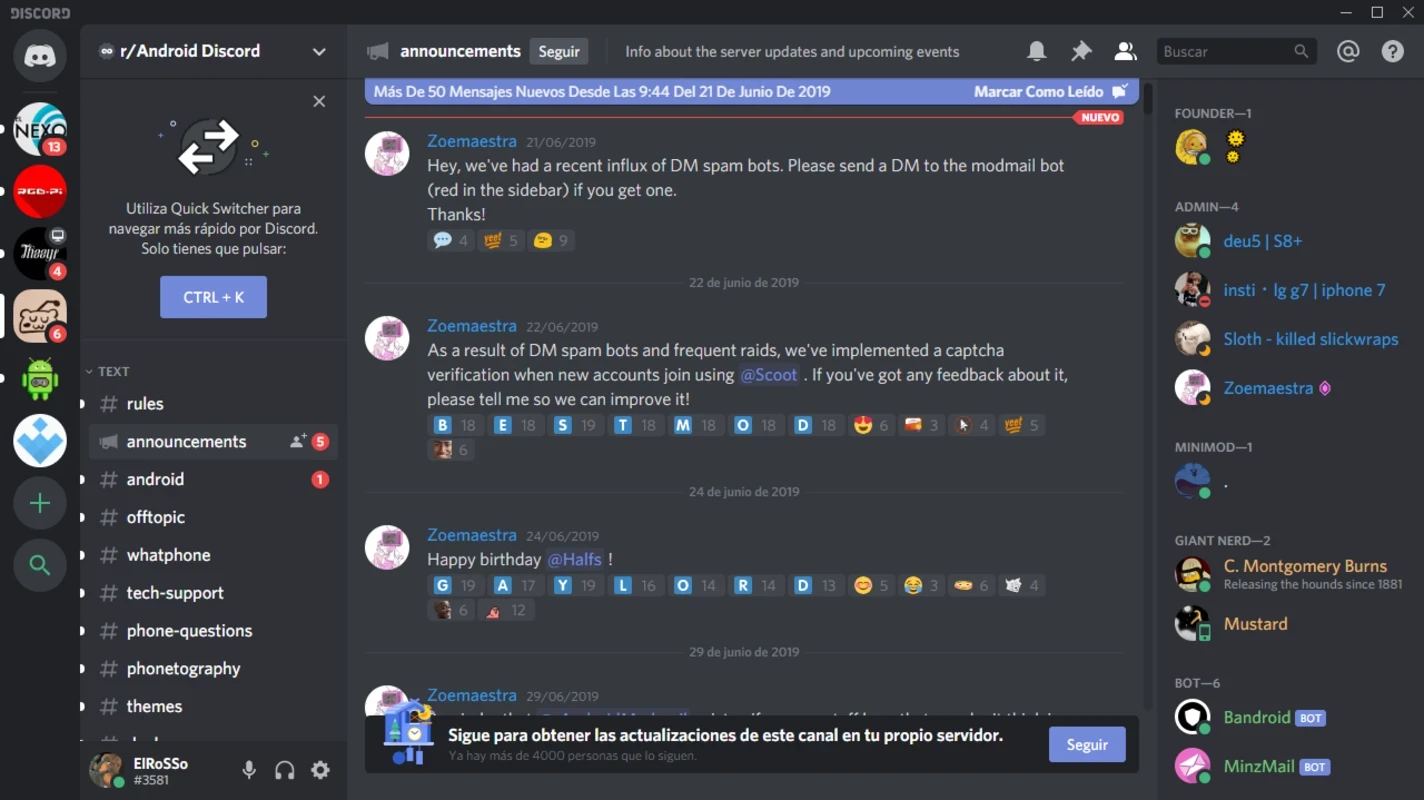
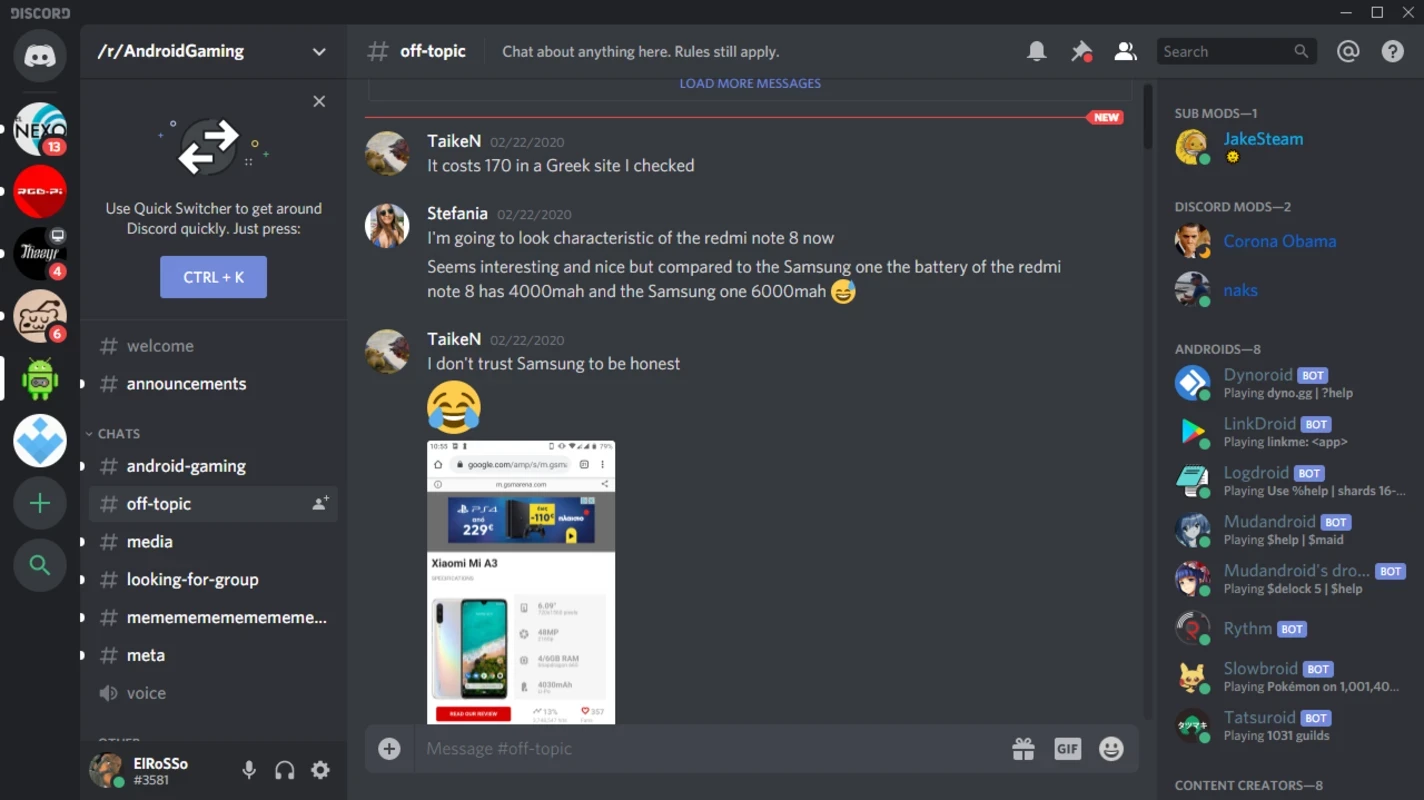
Discord started in 2015 as a place for gamers to talk while playing, and the structure still shows that origin. Everything lives in servers: a server has text channels for ongoing conversation and voice channels you simply click to join, with no call to start and no one to ring. Friends can also message each other directly or hop on a private voice or video call. Over time the same model spread to study groups, open-source projects, fan communities and small companies that want a chat space for collaboration without paying for a corporate tool. Wikidata lists it as instant messaging and VoIP software, which is a fair summary: it is a chat app first, with voice that happens to be very good.
The same client is also listed in the Microsoft Store, which is handy on PCs where you prefer store-managed updates.
The service is written in several languages, including JavaScript, Elixir, Rust, Python and C++. You do not need any of them installed: the Windows client ships with everything it needs, and the same account opens on every platform Discord supports, so a conversation started on the PC continues on the phone.
Install only from discord.com or the Microsoft Store; copies from file mirrors bring nothing but risk. The core app is free to use with no time limits. The license is proprietary, so the code is closed, but nothing in the Windows client asks for payment to chat, call or share your screen.
If you only need a chat with friends and family, Telegram is lighter on Windows. For scheduled work meetings with calendar links, Google Meet fits better.
WhatsApp Desktop is the official WhatsApp app for Windows, letting you chat and call from your PC with the account on your phone.

Microsoft Teams is Microsoft's collaboration and video-conferencing app for chat, meetings, calls and shared files at work, school or home.

Zoom Meeting is the desktop client of Zoom's video-conferencing service for calls, webinars, screen sharing and chat on Windows.
Camo Studio is Reincubate's desktop app that turns an iPhone, iPad or Android phone into a high-quality webcam for a Windows PC or Mac.

Google Meet is Google's video meeting app. On Windows it runs from the browser and can be installed as an app, with no separate installer to download.

Facebook for Windows is the desktop app of Meta's social network, with the news feed, groups, pages and notifications in a separate window.

Telegram Desktop is the official Windows client of the Telegram messenger, with chats, groups, channels and file sharing synced from the cloud.

Telegram Web is the browser version of the Telegram messenger: open it on a Windows PC, log in with your phone and chat without installing anything.