
Discord 342.16 for Android
342.16 - Stable · Discord Inc. · Page updated
Discord for Android is the mobile app of Discord Inc.'s voice, video and text chat service for communities, friends and gaming groups.
Rate Discord
Average 0.0 · ratings: 0
Thank you! Your rating is saved; you can change it. Could not save the rating. Please try again later. Too many ratings from your network today. Please try again tomorrow. The average appears after 5 ratings.
Screenshots
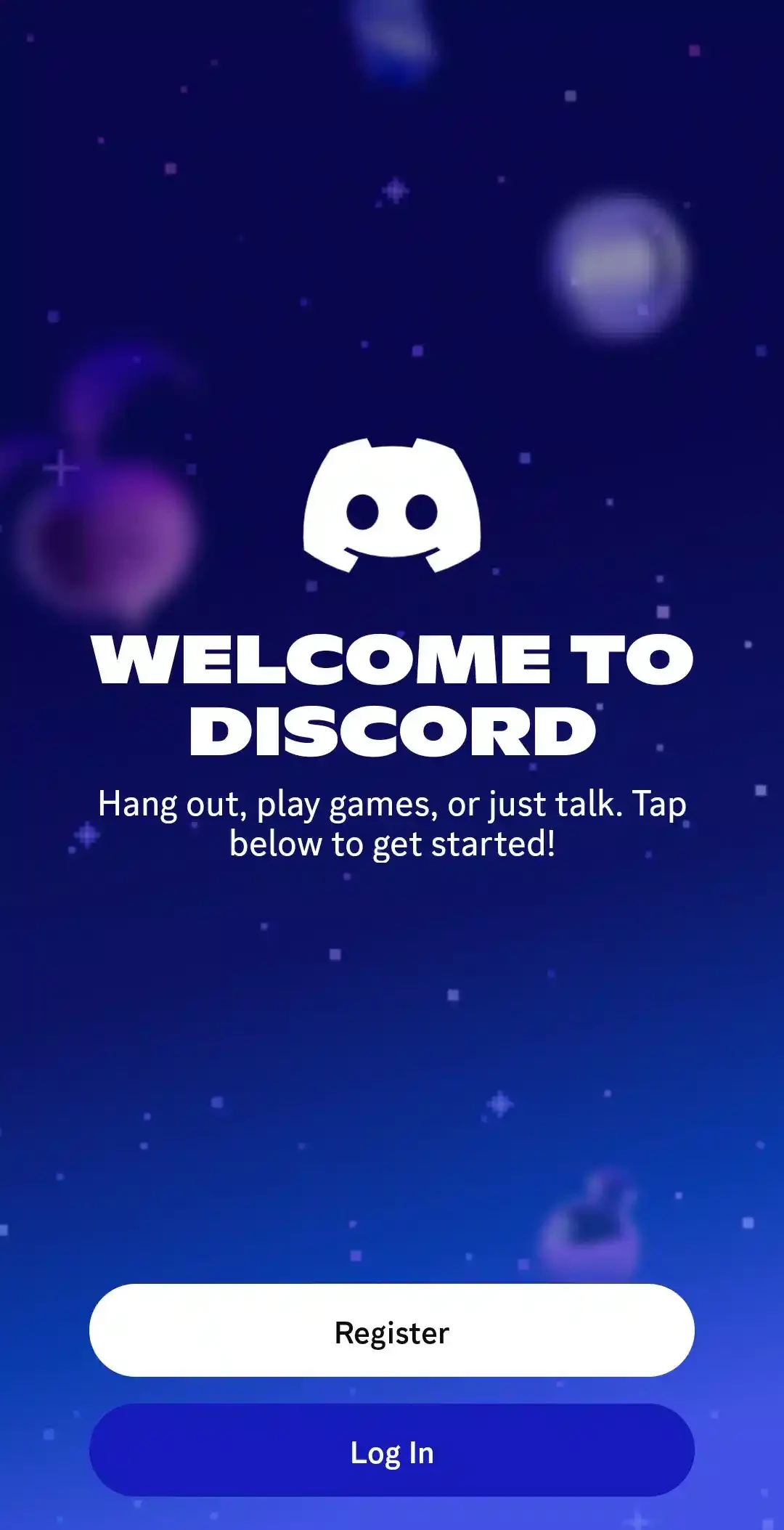
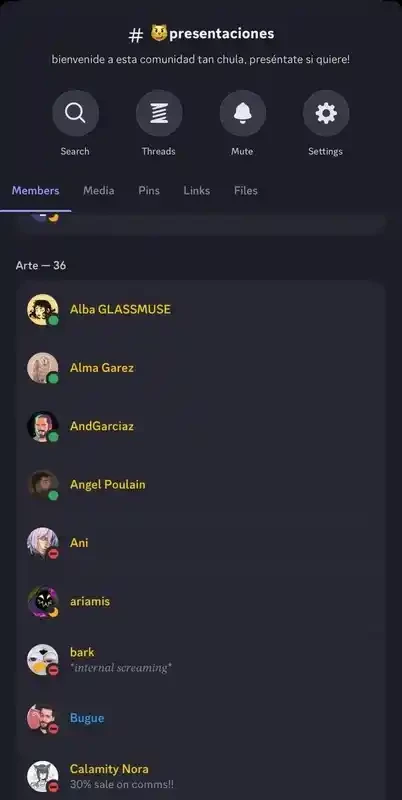
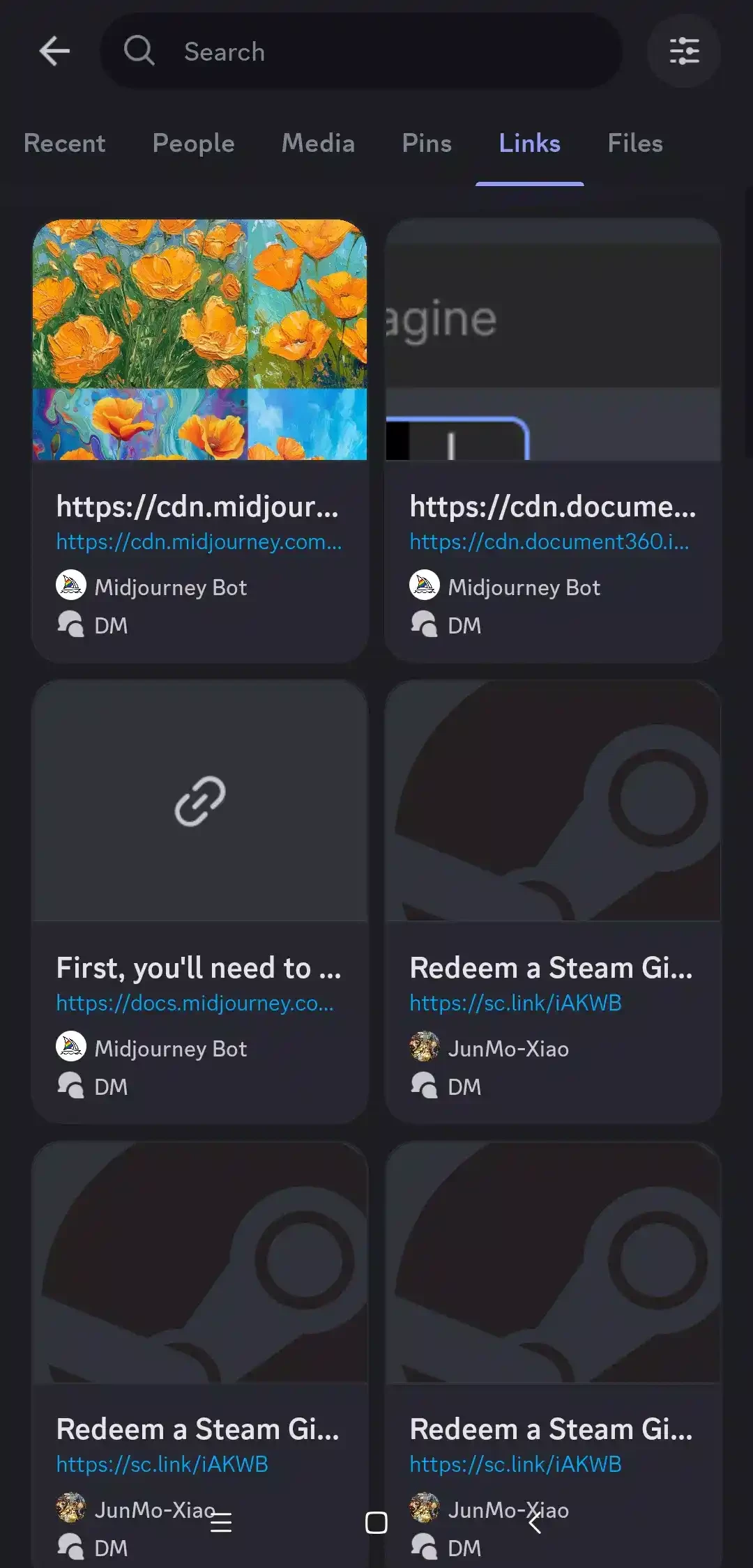
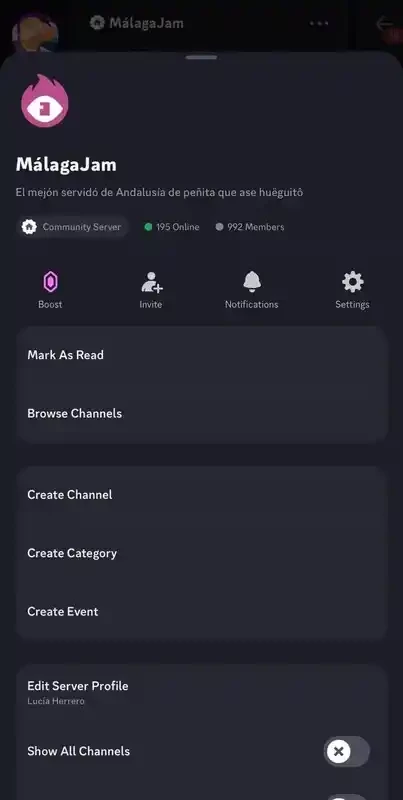
About Discord
Discord 342.16 for Android is the stable mobile release of Discord Inc.'s instant messaging and voice chat service, and you can download it free from Google Play. It keeps your servers, direct messages and voice channels in your pocket, so a conversation that started on a PC can continue on the phone.
Who Discord on Android is for
Discord appeared on 13 May 2015 as a way for players to talk while gaming, and gamers are still the most obvious audience. Today, though, the app serves a much broader crowd. Study groups use servers with separate channels for each subject. Open-source projects, fan clubs and hobby communities run their announcements and support there. Small teams hold quick voice calls instead of booking a meeting, and friends keep a private server as a group chat that never gets too cluttered. The Android app suits everyone in these groups who wants to follow along away from the desk: reading a channel on the bus, jumping into a voice chat from the sofa or answering a mention without turning on the computer. If all you need is one-to-one messaging with family, a simpler messenger will feel less busy.
What you can do in the app
- Join servers by invite link and read or post in text channels.
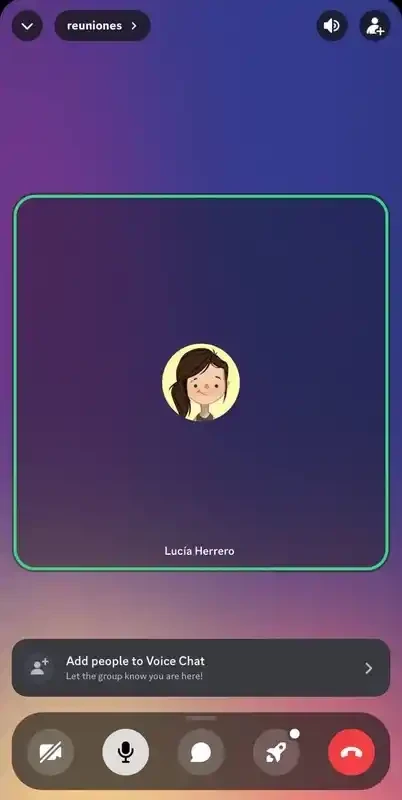
- Talk in voice channels, with video and screen sharing where the server allows it.
- Send direct messages and start private group chats.
- Manage your own server's roles, channels and notifications from the phone.
Release information
| Version | 342.16 (Stable) |
|---|---|
| Developer | Discord Inc. |
| License | Freeware, proprietary |
| Updated | September 2026 |
| Size | about 192.03 MB according to catalogue data |
How to install it
- Open Google Play and search for Discord.
- Make sure the developer is Discord Inc. and tap Install.
- Log in with your existing account or register with an email address.
- Grant microphone access if you plan to use voice channels.
The official site, discord.com, links to the store listing as well. Google Play shows whether your phone is supported, so there is no need to look up requirements by hand.
Is Discord safe?
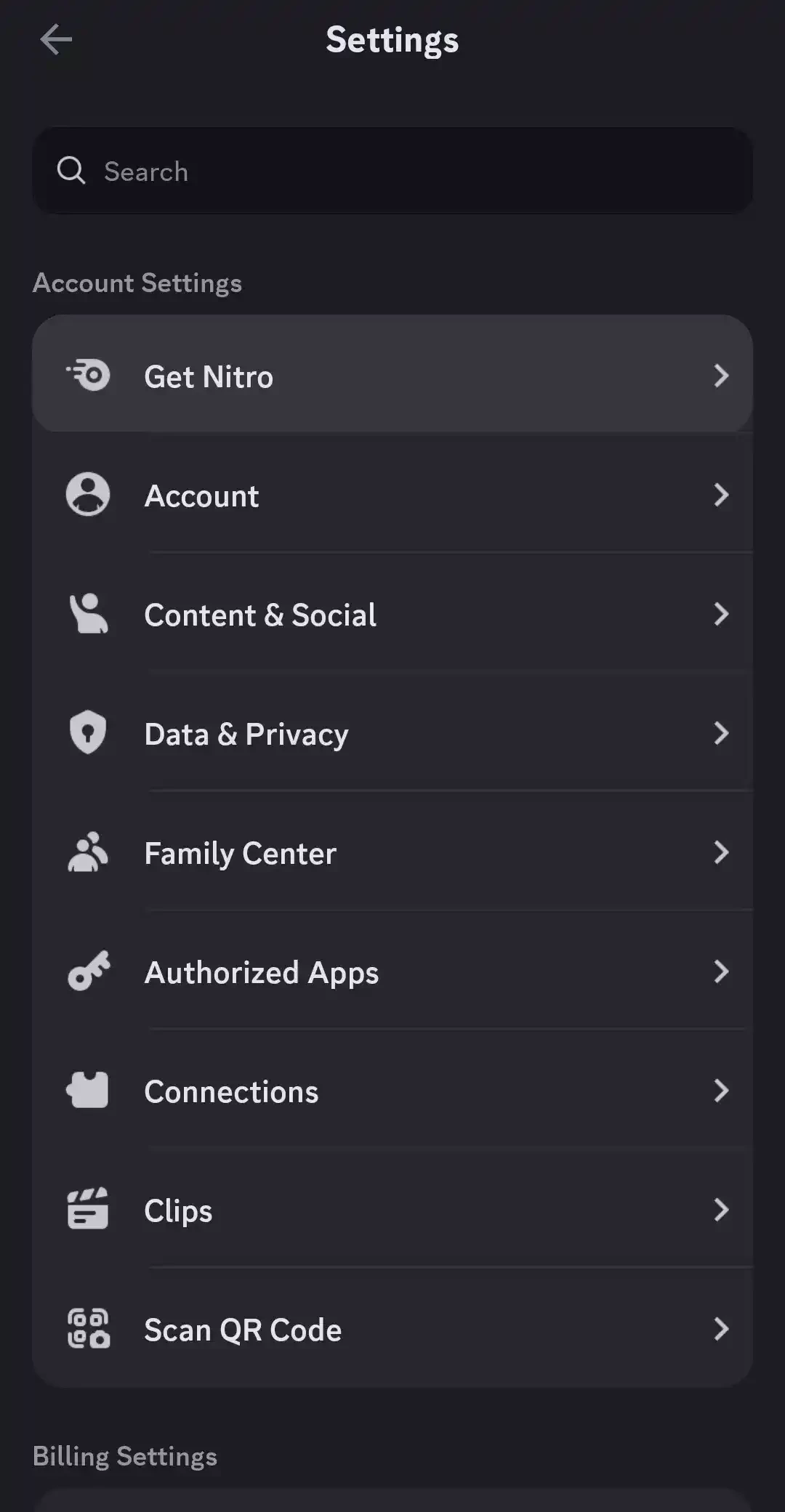
The official app is. Be careful with the people and links you meet on public servers: fake "free Nitro" offers and login pages are a common trick. Turn on two-factor authentication, restrict direct messages from strangers in the privacy settings, and never install a modified Discord APK, since it can steal your account token.
Is it free?
Yes. Messaging, voice and servers cost nothing. Discord sells an optional subscription with cosmetic and quality extras, but the core app does not require it.
Pros and cons
- Pro: text, voice and video in one place, organised by channels.
- Pro: your servers and history sync between phone and computer.
- Con: busy servers can flood you with notifications until you tune them.
- Con: the interface takes a while to learn for newcomers.
Alternatives
For everyday messaging, Telegram, Viber and WhatsApp Messenger are in the same category. Teams that need scheduled meetings and shared files may prefer Microsoft Teams.